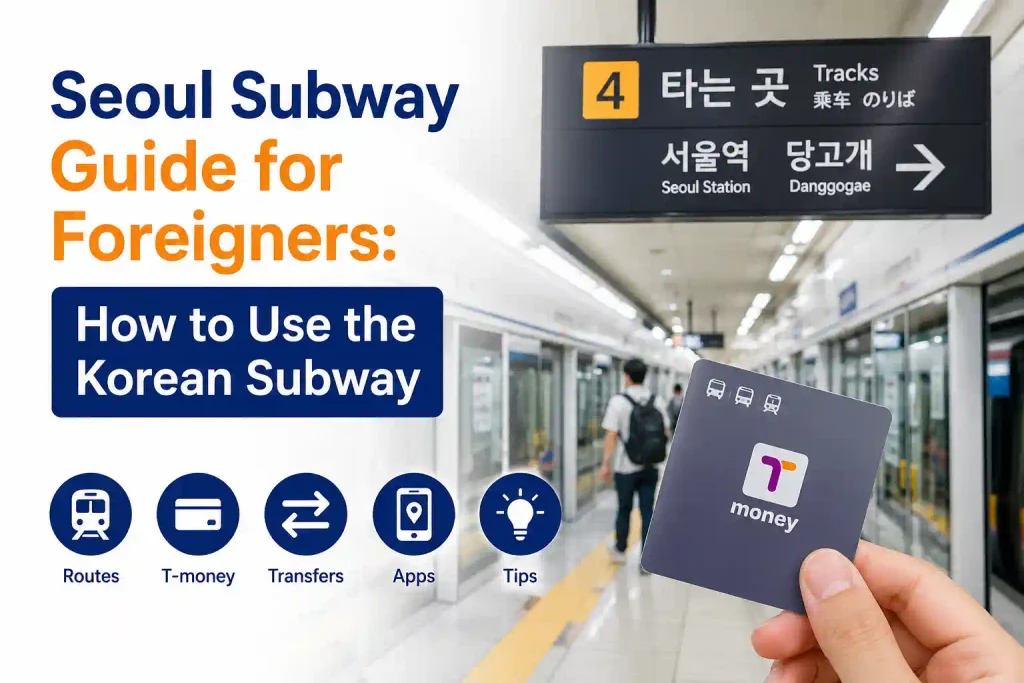
Taking the subway is one of the easiest and most convenient ways to travel around Korea. Seoul and other major cities have extensive subway networks, and stations are generally well connected to popular tourist attractions, shopping areas, airports, and neighborhoods. However, the system can feel complicated for first-time visitors because there are multiple subway lines, transfers, station exits, and different signs to follow.
The good news is that you do not need to understand Korean to use the subway. Most major subway stations provide English signs, and subway apps can help you find routes, check train arrival times, and choose the easiest transfer route. This guide explains how to use the Korean subway, how to pay your fare, and which subway apps are useful for international travelers.
How to Use the Subway in Korea
Check Your Route Before Entering the Station
Before going to the subway station, check your destination and route using a subway map or navigation app. This is especially useful in Seoul, where some journeys require several transfers.
When checking your route, pay attention to:
- The subway line you need to take
- The direction of the train
- The stations where you need to transfer
- The number of stops
- Your destination station
- The correct exit number
If you are unfamiliar with the Korean subway system, choosing a route with fewer transfers can make your journey much easier, even if it takes a few minutes longer.
Follow the English Subway Signs
Major subway stations in Korea usually display station names and important directions in Korean and English. In larger stations, you may also see Chinese and Japanese.
Look for signs showing:
- Line numbers and colors
- Station names
- Transfer directions
- Exit numbers
- Platform directions
- Airport or major tourist destinations
The most important thing is to check the line number and direction rather than relying only on the Korean station name.
How to Pay for the Korean Subway
Using a T-money Card
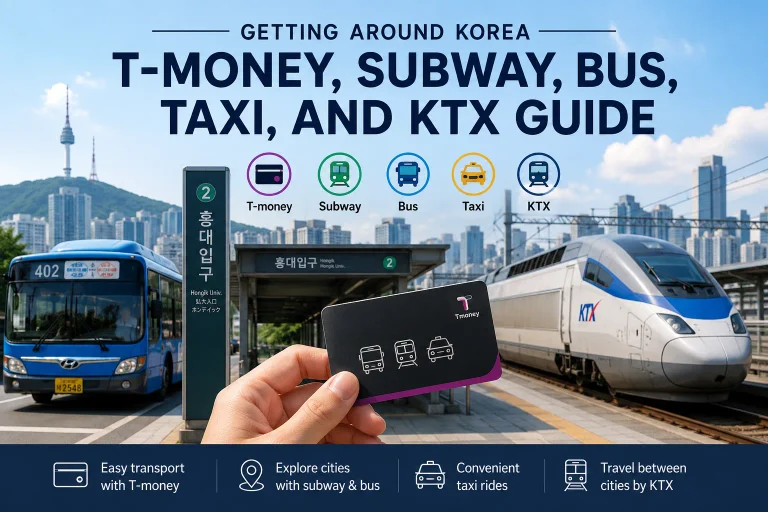
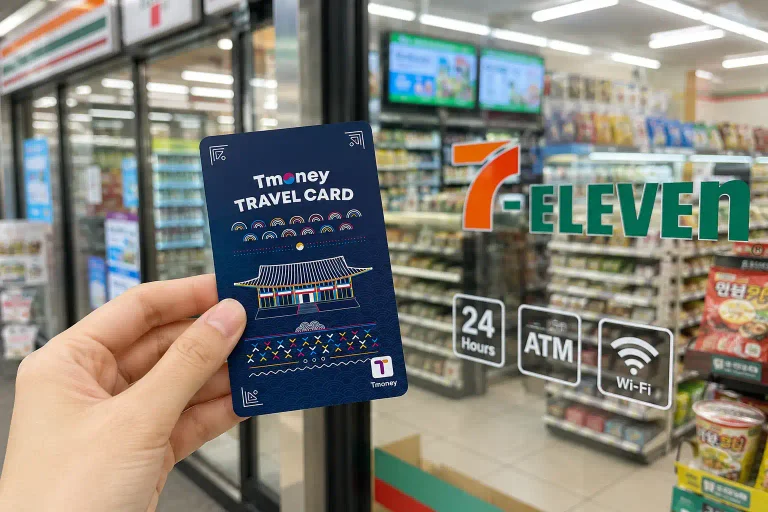
A T-money card is one of the most convenient ways for international visitors to pay for public transportation in Korea. You can use it on subways and buses in many parts of the country.
Simply tap your card on the card reader when entering and exiting the subway.
If you are using a T-money card, make sure you have enough balance before starting your journey. You can recharge the card at designated locations and subway stations.
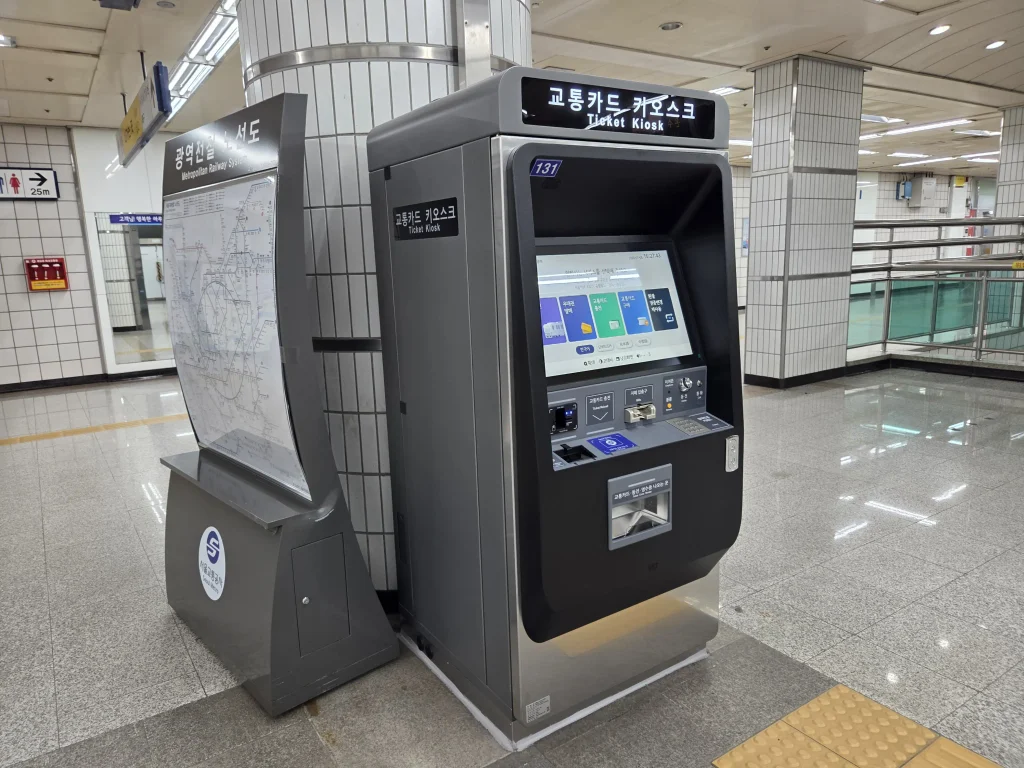
Buying a Single-Use Transportation Card
If you do not want to purchase a T-money card, you can also use a single-use transportation card for eligible subway journeys.
This option can be useful for travelers who are only using the subway occasionally. However, visitors staying in Korea for several days may find a rechargeable transportation card more convenient.
How to Transfer Between Subway Lines
Transferring between subway lines is common when traveling around Seoul. You may need to change trains to reach popular destinations, especially when traveling across different parts of the city.
The transfer process is usually simple. You do not normally need to exit the station or pay another fare when transferring between subway lines.
1. Get Off at the Transfer Station
First, get off the train at the station where you need to transfer.
Before leaving the platform, check your subway app or the station signs to make sure you have arrived at the correct transfer station.

2. Follow the Transfer Signs
After getting off the train, look for signs marked Transfer. These signs usually show the subway line number and color of the line you need to transfer to.
For example, if you are transferring to Line 2, follow the signs showing the Line 2 symbol and its color.
Do not follow signs for Exit unless you are ready to leave the station. Exit signs will take you out of the subway station rather than to your connecting train.
3. Find the Correct Direction
Once you reach the platform for your connecting line, check the direction of the train before boarding.
Subway lines usually have trains traveling in opposite directions. The signs on the platform will show the stations along each direction, so compare them with your route in the subway app.
If you are unsure, check that your destination station appears in the direction you are about to take.
4. Board the Next Train
After confirming the line and direction, wait for the train and board.
You generally do not need to tap your T-money card again when transferring between subway lines. Simply follow the signs through the transfer area and use your card when you eventually exit the subway system.
Tip: Some large stations have long walking distances between subway lines. If your subway app shows a transfer time, allow a few extra minutes, especially during busy hours.
How to Find the Correct Subway Exit
Large subway stations can have many different exits, and choosing the wrong one can add considerable walking time to your journey.
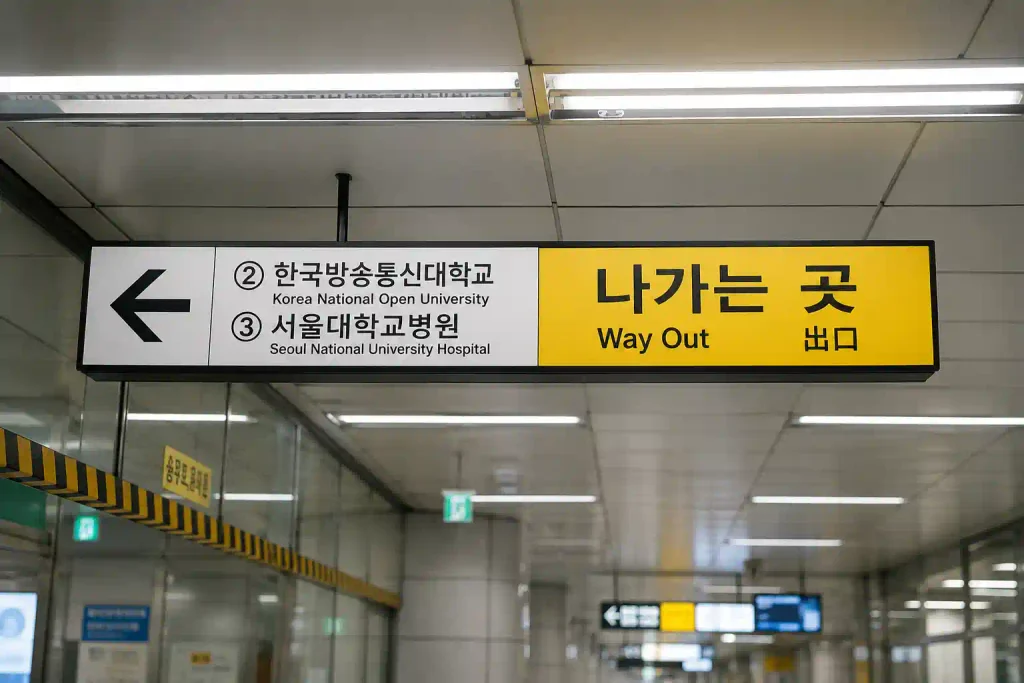
Check the Exit Number Before Leaving
If you are going to a specific attraction, restaurant, hotel, or shopping area, check which exit is closest to your destination before leaving the station.
For example, instead of simply searching for a subway station, search for the destination and check the recommended exit number.
This can save time, especially at large stations.
Recommended Subway Apps for Foreign Travelers
Using a subway app can make traveling around Korea much easier, especially if you are unfamiliar with the subway system.
Subway Korea
Subway Korea is a useful subway navigation app for international travelers. It supports multiple languages, including English, Chinese, and Japanese, and provides subway maps for major cities in Korea.
Subway Korea
Subway Korea is a useful app for finding subway routes in Korea.
Download the app:
Seoul Subway (Ttota Subway)
Seoul Subway, also known as Ttota Subway, is the official subway app operated by Seoul Metro. It provides information about Seoul’s subway system, including train operations, station information, and service updates.
Seoul Subway (Ttota Subway)
Seoul Subway, also known as Ttota Subway, is the official subway app operated by Seoul Metro.
Download the app:
Which Subway App Should You Use?
Both apps are useful, but they are designed for slightly different needs.
| Feature | Subway Korea | Seoul Subway (Ttota Subway) |
| Best for | Route planning | Official Seoul subway information |
| Coverage | Seoul, Busan, Daegu, and other major cities | Seoul |
| Multilingual support | English, Chinese, Japanese | English |
| Route search | ✓ | ✓ |
| Real-time information | ✓ | ✓ |
| Official Seoul Metro app | — | ✓ |
| Recommended for | Travelers visiting multiple cities | Travelers mainly staying in Seoul |
Final Thoughts
Using the subway in Korea may seem complicated at first, but it is actually one of the easiest ways to get around the country once you understand the basics. Check your route before leaving, follow the signs carefully, and use a reliable subway app to make your journey easier.
For first-time visitors, a T-money card and a subway app can make traveling around Korea much more convenient. With a little preparation, you can confidently explore Seoul and other Korean cities by subway.